Stereo Depth Estimation
Disparity and depth maps from a calibrated stereo pair, with classical vision only.
Covers camera and stereo calibration, rectification, disparity computation and conversion to metric depth, explaining each step of how two slightly different viewpoints reveal distance.
README · rendered from GitHub
Stereo Depth Estimation





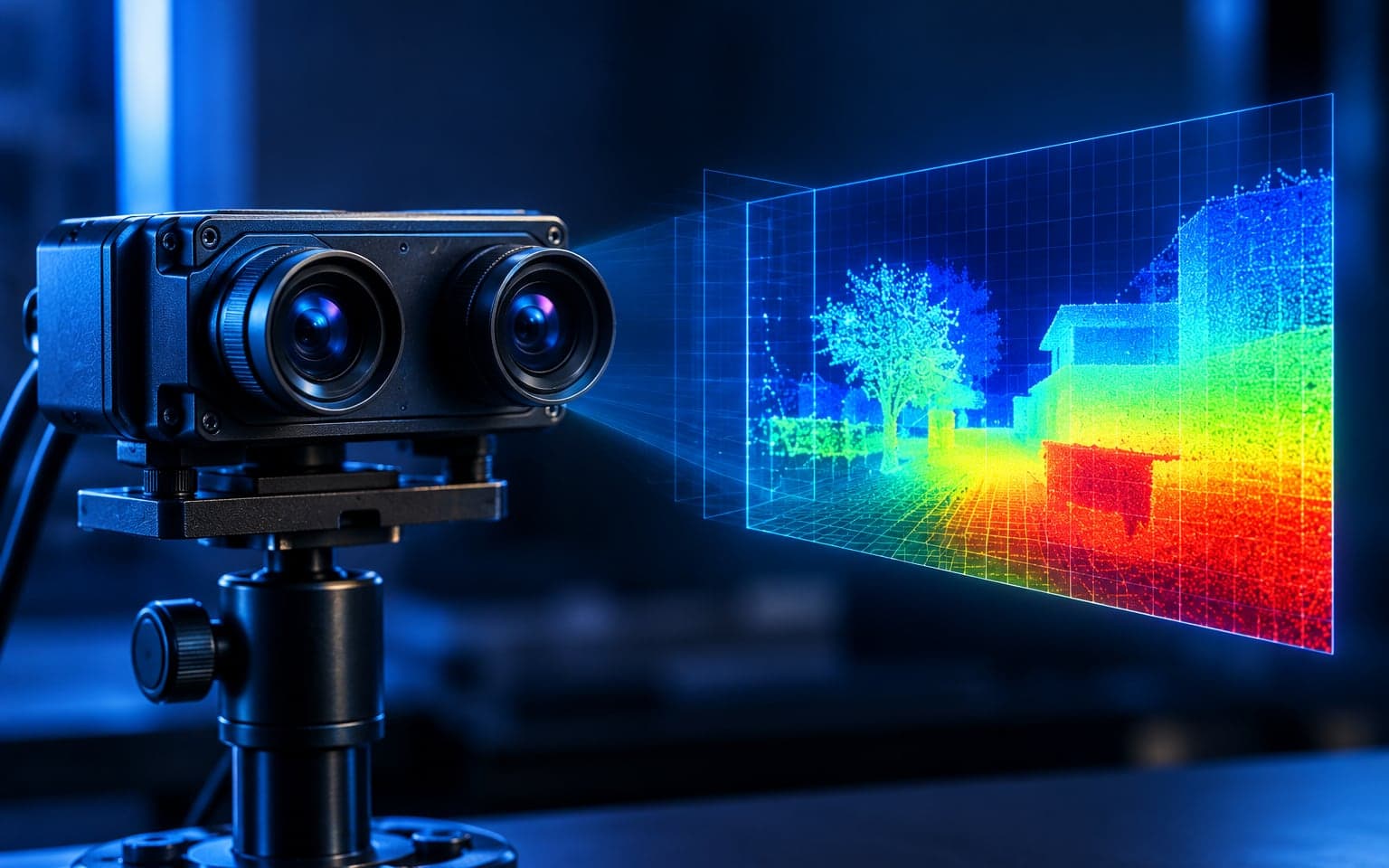
Stereo Depth Estimation is a computer vision project that extracts depth information from a pair of images captured from two slightly different viewpoints. The goal is to understand how far objects are from the cameras by comparing the differences between the left and right images. This project builds a full stereo vision pipeline that includes image preprocessing, disparity map generation, and depth calculation. The notebook demonstrates how stereo matching works, how disparity is converted to depth, and how different parameter choices affect the accuracy of the final depth output. This repository is useful for students, researchers, and anyone who wants to learn how machines can perceive 3D structure from 2D images using simple geometric principles.
Table of Contents
- Overview
- Project Goals
- How It Works
- Features
- Project Files
- Getting Started
- Results
- Limitations
- Future Improvements
- License
Overview
This project takes a pair of stereo images (left and right views of the same scene) and computes:
- A disparity map
- A depth map (approximate distance information)
It is focused on learning and understanding, not on building a production level system.
Project Goals
- Understand the basic idea of stereo vision.
- Build a simple stereo depth estimation pipeline inside a Jupyter notebook.
- Visualize disparity and depth in an easy to understand way.
- Provide a clean example for students and beginners in computer vision.
How It Works
The core concept is:
-
A real world point appears at two different horizontal positions in the left and right images.
-
The horizontal shift between those positions is called disparity.
-
Larger disparity means the object is closer to the cameras.
-
Depth is approximated using the formula:
[ \text{Depth} = \frac{\text{Baseline} \times \text{Focal Length}}{\text{Disparity}} ]
Pipeline (high level):
- Load stereo pair (left and right images).
- Convert to grayscale and optionally preprocess.
- Use stereo matching to compute a disparity map.
- Convert disparity to depth using camera parameters (if available).
- Visualize disparity and depth maps.
Features
- Basic stereo matching using OpenCV functions.
- Grayscale conversion and simple preprocessing.
- Disparity map visualization.
- Simple depth estimation from disparity.
- All steps written clearly in a single notebook for learning.
Project Files
Stereo.ipynb
Main Jupyter notebook containing:- Explanation cells
- Code cells for loading images
- Disparity computation
- Depth estimation and visualization
(If you add more files later, list them here.)
Getting Started
Prerequisites
Make sure you have:
- Python 3.x
- Jupyter Notebook or JupyterLab
- The following Python packages:
numpyopencv-pythonmatplotlib
Installation
Clone this repository:
git clone https://github.com/your-username/stereo-depth-estimation.git
cd stereo-depth-estimation
Create and activate a virtual environment (optional but recommended):
python -m venv venv
# Windows
venv\Scripts\activate
# Linux / macOS
source venv/bin/activate
Install required packages:
pip install numpy opencv-python matplotlib jupyter
Run the Notebook
Start Jupyter:
jupyter notebook
Then open Stereo.ipynb from the browser interface and run the cells step by step.
Results
The notebook will show:
-
Input left and right images.
-
Disparity map:
- Brighter regions usually mean closer objects.
- Darker regions usually mean farther objects.
-
Depth visualization (if camera parameters are provided).
You can modify parameters and immediately see the effect on disparity and depth quality.
Limitations
- Works best on well textured scenes.
- Poor performance on flat or textureless regions.
- Sensitive to lighting changes and noise.
- Depth accuracy depends on correct camera calibration (baseline, focal length, rectification).
- Not optimized for real time performance.
Future Improvements
Possible extensions:
- Add proper camera calibration and rectification steps.
- Experiment with advanced stereo methods (Semi Global Block Matching, etc).
- Compare traditional stereo matching with deep learning based methods.
- Add a simple command line or script version (outside the notebook).
- Add support for different datasets and image resolutions.
License
This project is licensed under the MIT License. You are free to use, modify, and share it, with proper credit.
More in Vision
Related projects
 Vision2025
Real-Time Fabric Defect Detection
Six classical detectors fused by IoU, running live on a Jetson Nano.
- Python
- OpenCV
- NumPy
- SciPy
 Vision2025
Lightweight U-Net for Driving Scenes
A U-Net compressed from 8.7M to 0.53M parameters without losing the skip connections.
- Python
- PyTorch
- TensorFlow
- OpenCV
 Vision2025
Retinal Vessel Segmentation
A clean, reproducible U-Net pipeline for segmenting blood vessels in fundus images.
- Python
- PyTorch
- OpenCV