AI Agents: From Idea to Deployment
A CrewAI workshop template with planning, research, writing and review agents.
A hands-on template that orchestrates multiple CrewAI agents with LangChain tools, a FAISS-backed RAG pipeline, live web search and deterministic calculators, all behind a Streamlit front end. Built to teach how multi-agent systems are structured end to end.

README · rendered from GitHub
Agentic AI Workshop: Multi-Agent Systems From Idea to Deployment
A hands-on workshop template that demonstrates how to orchestrate CrewAI agents for planning, research, writing, and review workflows. The stack combines CrewAI with LangChain tools, a FAISS-backed Retrieval-Augmented Generation (RAG) pipeline, and a Streamlit frontend. All large language model calls are routed through the OpenRouter API using the model meta-llama/llama-3.3-70b-instruct:free.
Workshop Goals
- Teach students how to structure multi-agent systems with CrewAI.
- Illustrate how RAG augments agents with curated context via FAISS.
- Showcase live web search and deterministic calculation tooling.
- Provide an end-to-end example from initial idea to reviewed deliverable.
- Offer a Streamlit interface that makes the pipeline demo-ready for classes and talks.
Project Structure
agentic-workshop/
├── .env.example
├── requirements.txt
├── README.md
├── main.py
├── crew.py
├── tasks.py
├── config/
│   └── settings.py
├── agents/
│   ├── __init__.py
│   ├── planner.py
│   ├── researcher.py
│   ├── writer.py
│   └── reviewer.py
├── tools/
│   ├── __init__.py
│   ├── rag_tool.py
│   ├── web_search.py
│   └── calculator.py
├── rag/
│   ├── build_vector_db.py
│   ├── documents/
│   │   └── sample_docs.txt
│   └── vectorstore/
└── frontend/
   └── app.py
Built-in Agent Tooling
Every agent in the crew (planner, researcher, writer, reviewer) receives the same trio of tools via tools.get_default_toolkit():
local_rag_search: FAISS-backed retrieval over curated workshop documents for grounded answers.duckduckgo_search: Live DuckDuckGo lookups when the topic needs current context or external validation.calculator: A deterministic evaluator for quick math, metrics, or cost estimates referenced in drafts.
Having the shared toolkit means any role can validate facts or pull references without delegating to the researcher.
Prerequisites
- Python 3.10+
- An OpenRouter account and API key (free tier available)
- (Optional) A virtual environment manager such as
venv,conda, orpipenv
Installation
-
Clone the repository
git clone https://github.com/your-org/agentic-workshop.git cd agentic-workshop -
Create and activate a virtual environment
python -m venv .venv .\.venv\Scripts\Activate.ps1 -
Install project dependencies
pip install -r requirements.txt -
Set up environment variables
copy .env.example .env # Edit .env and paste your actual OpenRouter API key -
Build the FAISS vector store (one-time setup)
python rag\build_vector_db.py
Running the Backend Pipeline
Execute the crew directly from the command line:
python main.py --topic "Agentic AI Workshop on Robotics Deployments"
The script loads environment variables, constructs the CrewAI workflow, and prints the reviewed deliverable to stdout.
Using run_pipeline Programmatically
Import run_pipeline from main.py to embed the workflow inside other applications:
from main import run_pipeline

result = run_pipeline("Multi-Agent Workshop for Healthcare AI")
print(result)
Running the Streamlit Frontend
Launch the UI from the virtual environment so Streamlit can resolve the backend packages:
python -m streamlit run frontend\app.py
Enter a workshop topic in the sidebar and click Run Pipeline. The output panel displays the aggregated crew result when the run completes.
If you prefer to call the executable directly on Windows, use .\.venv\Scripts\streamlit.exe run frontend\app.py from the activated environment.
Customising Agents and Tasks
- Agent Prompts: Update the placeholder system prompts in
agents/planner.py,agents/researcher.py,agents/writer.py, andagents/reviewer.pyto align with your scenario. - Task Objectives: Adjust the descriptions and expected outputs in
tasks.pyto fit new deliverables or grading rubrics. - Tools: Extend
tools/with new integrations (e.g., GitHub search, deployment triggers) and register them intools/__init__.pyplus the relevant tasks. - LLM Settings: Tweak
config/settings.pyto experiment with temperatures, token limits, or alternative OpenRouter models. - Knowledge Base: Replace
rag/documents/sample_docs.txtwith your own corpus and re-runpython rag\build_vector_db.py.
Deploying the System
- Streamlit Community Cloud: Upload the repo, set environment variables (
OPENROUTER_API_KEY, optional fallbacks) in the project settings, and ensurerequirements.txtis listed as the sole dependency file. - Containerised App: Package the CLI and Streamlit UI inside a Docker image (start from
python:3.11-slim, copy the repo, install requirements, expose port 8501). Deploy to Azure App Service, AWS App Runner, or Google Cloud Run. - API Gateway: Wrap
run_workshop_pipelinewith FastAPI or Flask to expose a/runendpoint, then host behind a queue/worker on ECS, Azure Container Apps, or Fly.io for managed execution. - Enterprise Integration: For internal workshops, schedule the pipeline via orchestration tools (Airflow, Prefect) and archive outputs to cloud storage, allowing instructors to diff successive runs.
Troubleshooting Tips
- Missing Vector Store: If the research task fails to load the FAISS index, ensure
rag/vectorstore/contains the generated files. Re-run the build script if needed. - Authentication Errors: Double-check that
OPENROUTER_API_KEYis present in your environment. The app raises an explicit error if it is missing. - Dependency Issues: Match the Python version requirement and reinstall with
pip install --upgrade -r requirements.txtwhen packages change.
Next Steps for Students
Each student in a group should take an agent and then write its prompt.
- Try to develop a simple crew AI chain for any basic task. (Like Research, Newsroom, Study Companion and sky is the limit)
- Add or Remove an Agent
- Try to make a new tool, like drawing maker. (Hint use canvas and LLM written code to draw lines on it)
- Try Deploying
- Play around with Prompts Run the pipeline ;)
Happy building! Customize freely to turn this template into a polished workshop experience.
More in LLMs
Related projects
 LLMs2026
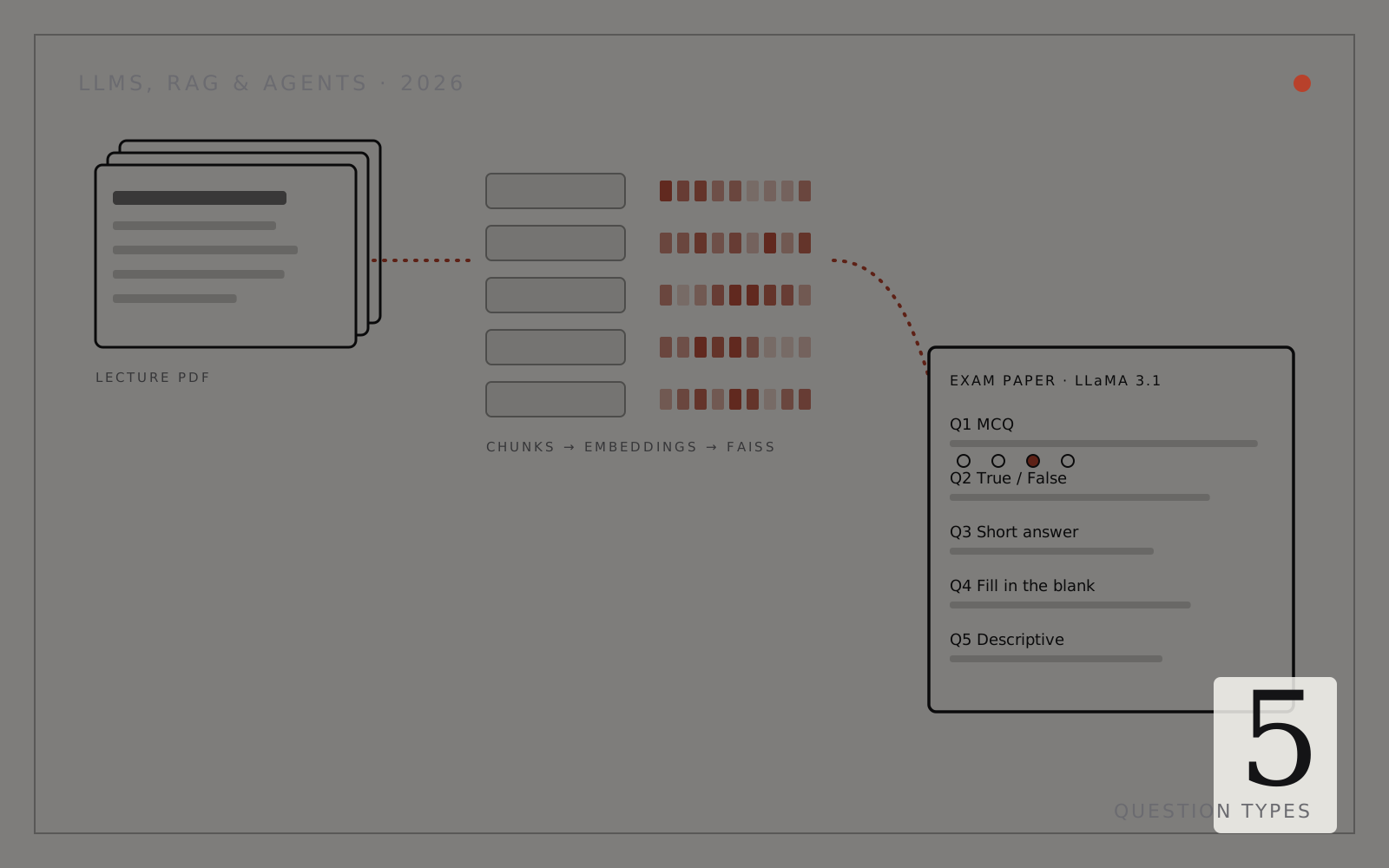
AI Exam Paper Generator (RAG)
Turns lecture slides into structured exam papers with FAISS retrieval and Llama 3.1.
- Python
- LangChain
- FAISS
- Groq API
 LLMs2026
TechStore Chatbot
A serverless LLM chat backend for a Pakistani electronics retailer, deployed on Vercel.
- JavaScript
- Node.js
- Vercel Functions
- LLM API