TechStore Chatbot
A serverless LLM chat backend for a Pakistani electronics retailer, deployed on Vercel.
A minimal, production-focused chatbot backend for techstore.com.pk: one serverless function, secrets kept in the Vercel dashboard, and an embeddable chat window that can drop into the store's WordPress site.

README · rendered from GitHub
techstore.com.pk chatbot, Vercel-only version
This is a stripped-down version with only the files Vercel needs, no WordPress files, no Render/Express files, nothing extra that could cause confusion. Just the chatbot backend and a test page.
Files in this project
- api/chat.js The chatbot backend, this is what runs on Vercel
- standalone-test.html A simple chat window to test it, works once deployed
- package.json Minimal, no unused dependencies
- .env.example Template only, real key goes into Vercel's dashboard
- .gitignore Keeps secrets and node_modules out of GitHub
How to push this to GitHub (recommended: fresh start)
Because the previous repo had some leftover confusion (files for other hosting options, and a Vercel project that wasn't picking up the api folder correctly), the cleanest fix is to start with a clean slate:
- Go to your GitHub repo (TechStore-Chatbot)
- Delete every file currently in it
- Upload these 5 files in their place, keeping api/chat.js inside an actual "api" folder (drag the api folder itself, don't drag chat.js loose, or use "Add file" -> "Create new file" and type "api/chat.js" as the filename like before)
- Commit directly to main
How to redeploy on Vercel (recommended: fresh project)
Rather than fighting with the existing Vercel project's settings, delete it and reimport fresh, this guarantees no leftover misconfiguration:
- In Vercel, go to the project -> Settings -> scroll to the bottom -> Delete Project
- Go to your Vercel dashboard home, click "Add New" -> "Project"
- Import the same GitHub repo again
- Application Preset: choose "Other"
- Root Directory: leave as "./" (the default), do not change this
- Build Command: leave as None
- Output Directory: leave as N/A
- Environment Variables: add GROQ_API_KEY with your real key
- Deploy
After deploying
- Copy the new production URL Vercel gives you
- Open standalone-test.html, find this line near the top of the script: const BACKEND_URL = "https://your-project.vercel.app/api/chat";
- Replace it with your real URL plus /api/chat
- Push that change to GitHub too (or just test locally by opening the file directly first, before pushing)
- Visit yourdomain.vercel.app/api/chat directly in a browser, you should see {"error":"Method not allowed"}, NOT a 404 page. That confirms the function deployed correctly.
- Then open standalone-test.html (locally or via the deployed URL) and send a real message
Later, once this works
We'll come back to connecting this to techstore.com.pk itself, either by adding the widget to WordPress, or exploring Hostinger's own Node.js hosting as an alternative to Vercel. Not needed until this base version is confirmed working end to end.
More in LLMs
Related projects
 LLMs2026
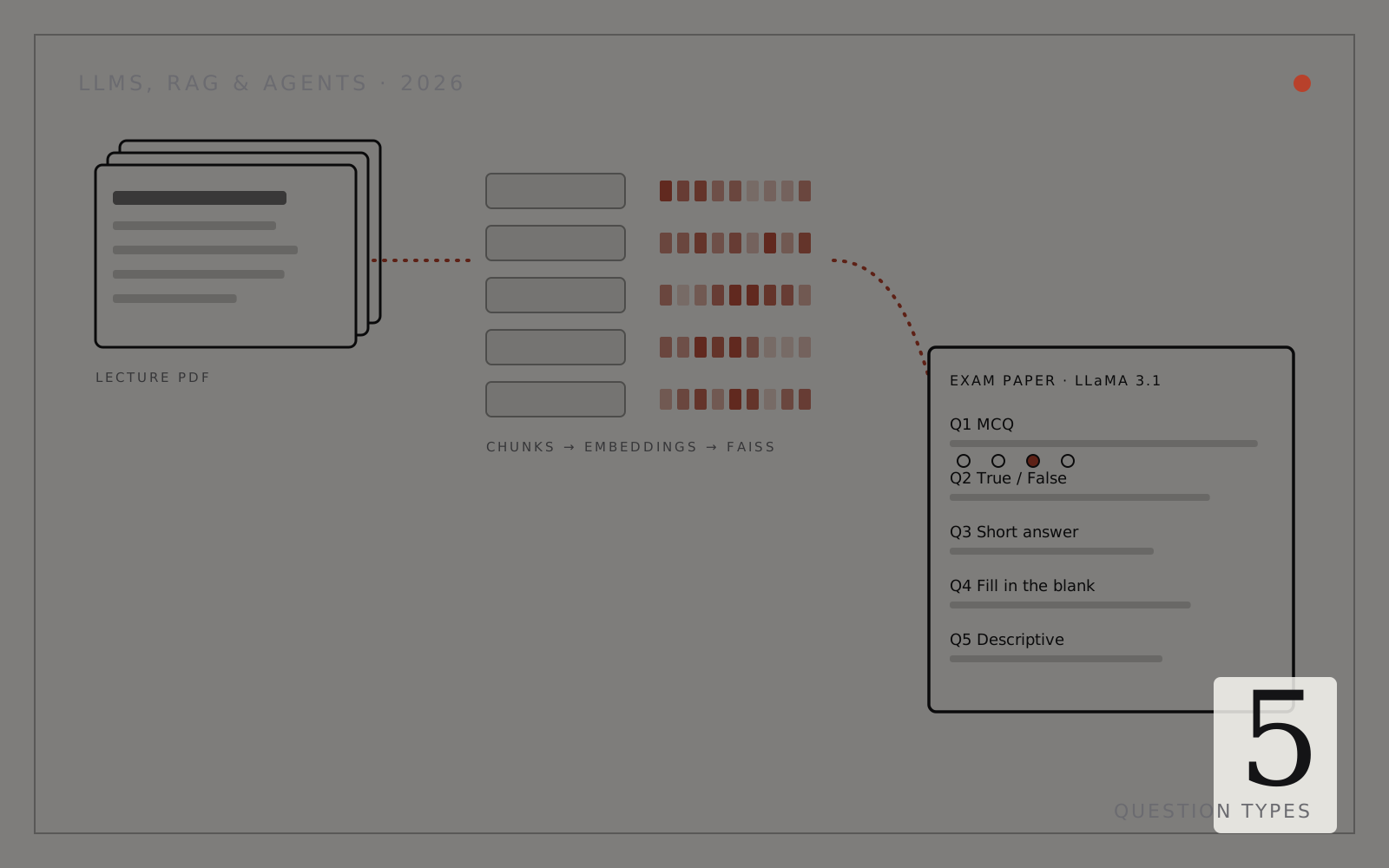
AI Exam Paper Generator (RAG)
Turns lecture slides into structured exam papers with FAISS retrieval and Llama 3.1.
- Python
- LangChain
- FAISS
- Groq API
 LLMs2025
AI Agents: From Idea to Deployment
A CrewAI workshop template with planning, research, writing and review agents.
- Python
- CrewAI
- LangChain
- FAISS